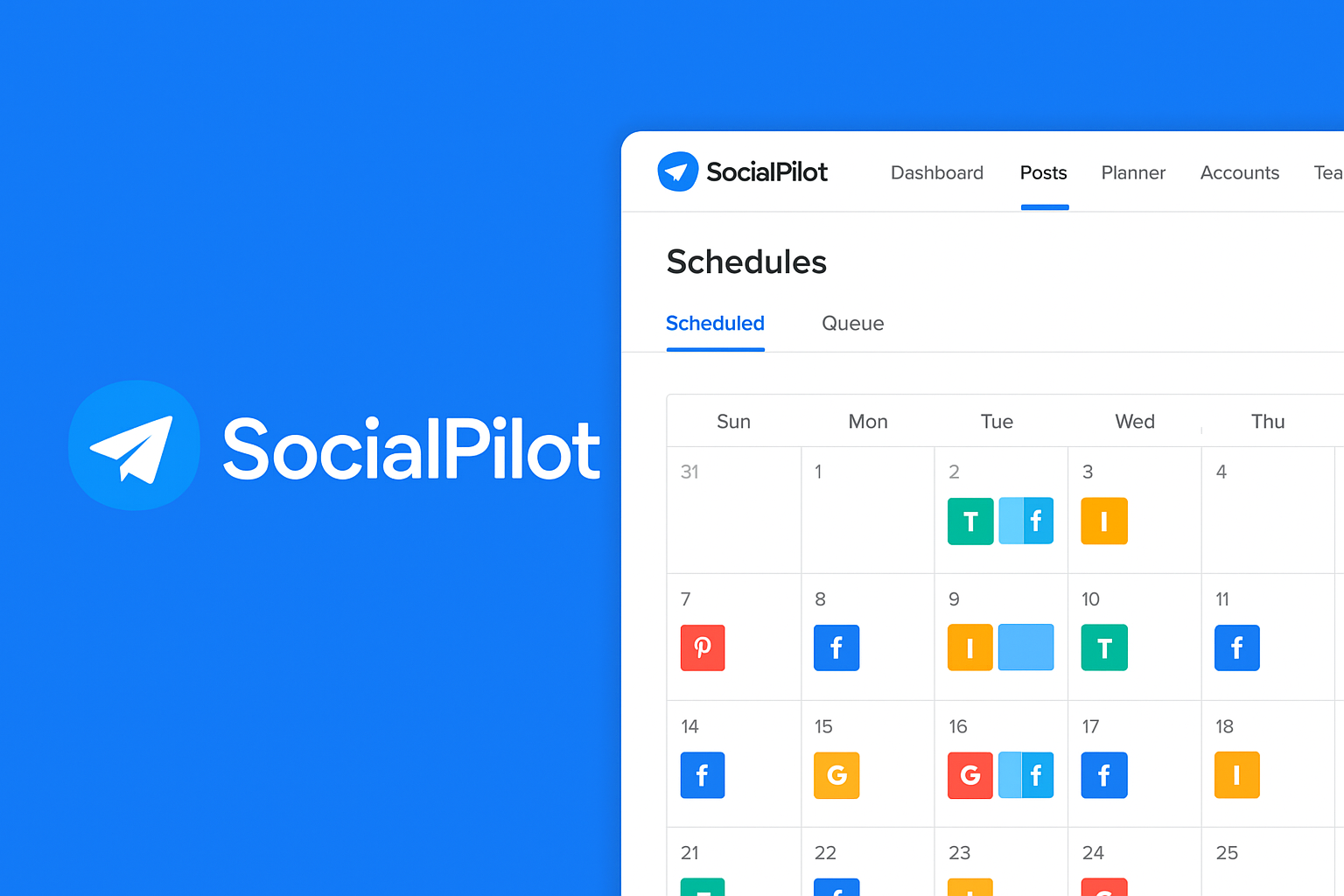
Looking for a powerful tool to streamline your social media posting across TikTok, Instagram, YouTube and more – while saving time and boosting consistency? In this SocialPilot Review 2025, we explore how SocialPilot performs, its pros & cons, pricing, and whether it fits creators like you. (Yes – I also show how it compares to tools you may already love like Predis.ai, Repurpose.io and Metricool.)
Disclosure: This post may include affiliate links. If you click through and purchase, we may earn a commission at no additional cost to you. we only recommend tools we have researched and believe have value.
Table of Contents
What is SocialPilot? – SocialPilot Review 2025
SocialPilot is a comprehensive social media management platform that lets you manage, schedule, and publish content across multiple social media channels – all from a single dashboard. Its goal is to help creators, influencers, agencies, and small businesses coordinate their social presence efficiently.
Unlike a simple scheduling tool, SocialPilot offers a full suite: content scheduling, calendar view, team collaboration, analytics, bulk scheduling, and even AI-powered content suggestions.
If you’re already using other SaaS tools for TikTok outreach – like Predis.ai for content research or Repurpose.io for repackaging content – SocialPilot can serve as your “all-in-one publishing hub.”
Key Features & How They Help TikTok Creators – SocialPilot for TikTok
Here’s what stands out for SocialPilot and why it matters:
- Multi-platform support (incl. TikTok): SocialPilot supports TikTok alongside Facebook, Instagram, YouTube, Twitter (X), LinkedIn, Pinterest, Threads, and more – so you can plan cross-platform content from one place.
- Visual Content Calendar & Smart Scheduling: You get a calendar view to plan posts, pick optimal times, and maintain consistency. Great for creators posting content regularly across channels.
- Bulk Scheduling & CSV Uploads (on higher plans): If you batch-produce content (e.g. weekly TikTok + IG + YouTube clips), you can schedule hundreds of posts in advance – ideal for creators with busy output.
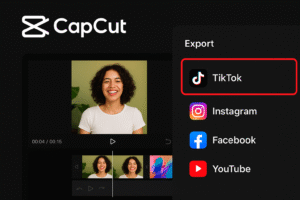
- Content Library & Reuse: Store media, captions, hashtags, templates – then reuse them for different platforms. Efficient for repurposing content (e.g. converting a TikTok video into an Instagram or YouTube post).
- Team Collaboration & Approval Workflow: Useful if you work with editors, content managers, or clients – you can draft, approve, and schedule posts with assigned roles.
- Analytics & Reporting: Track engagement – likes, comments, shares – and generate reports. Helps you gauge what works across platforms and refine your strategy.
- Unified Social Inbox: Manage comments, DMs, and interactions across platforms from one place – saves time if you’re active on multiple channels.
- White-label & Agency-friendly Options: If you’re managing multiple brand accounts or clients, the higher-tier plans support white-label reports, multiple users, and account management – useful for agencies or serious creators scaling operations.
Pricing & Plans – SocialPilot Review 2025
SocialPilot offers several plans, depending on your needs:
| Plan | Typical Use | Includes |
|---|---|---|
| Essentials (~ US$25.50/mo if billed annually) | Solo creators, small brands | Up to 7 social media accounts, basic scheduling, content library, 500 AI credits |
| Standard (~ US$42.50/mo annually) | Small teams / multiple accounts | Up to 15 accounts, 3 users, inbox + analytics + collaboration features |
| Premium (~ US$85/mo annually) | Growing creators / agencies | Up to 25 accounts, 6 users, bulk scheduling, advanced analytics, white-label reports |
| Ultimate (~ US$170/mo annually) | Large teams / multi-brand management | Up to 50 accounts, unlimited users/credits, dedicated support and advanced security & white-label options |
There’s also a 14-day free trial (no credit card required) allowing you to test out full functionality before committing
Pros & Cons – What SocialPilot Does Well (And Where It Falls Short)
✅ Pros – SocialPilot Review 2025
- Robust multi-platform scheduling including TikTok – makes it ideal for cross-posting.
- Bulk scheduling and content library – super efficient for creators batching content.
- Team collaboration, approval workflows and white-label support – good for agencies or creators working with collaborators/clients.
- Analytics & unified inbox – helps track performance and manage engagement from a single dashboard.
- Supports many integrations (Canva, Dropbox, Zapier, etc.), making it easy to plug into existing workflows.
- Generally more affordable than some enterprise-level tools — especially for small to mid-size creators/teams.

⚠️ Cons / Limitations – SocialPilot Review 2025
- Some users report the interface can feel cluttered or unintuitive, especially if you’re new to social scheduling.
- Even though SocialPilot supports TikTok, native features like posting TikTok Stories or deeper TikTok-specific analytics may be limited compared to TikTok-native tools.
- On lower plans, bulk scheduling or advanced analytics may not be included — you may need to upgrade to unlock the full power.
- As with any all-in-one tool, there’s a trade-off: you get breadth (many platforms) but maybe less depth compared to specialized tools dedicated to TikTok, Instagram Reels, or video-first content.
Who Should Use SocialPilot — And Who Might Want Something Else
You should consider SocialPilot if:
- You manage content across multiple platforms (TikTok + IG + YouTube + X + etc.) and want a single hub to schedule everything.
- You batch-create content (videos, images, captions) and want to queue weeks/months ahead using bulk scheduling.
- You collaborate with teammates, clients, or editors and need approval workflows + unified inbox + white-label reports.
- You want a relatively economical solution for multi-account management and cross-platform publishing.
You might look elsewhere if:
- Your main focus is purely video-first content on TikTok/Instagram Reels and you rely heavily on platform-native features (filters, story-specific formats, advanced analytics, native TikTok tools).
- You need advanced social listening, sentiment analysis, or deep analytics per platform – SocialPilot’s analytics are solid, but not at enterprise-level depth.
- You are working solo and don’t need multi-account/team features – then simpler or cheaper tools might suffice.
How SocialPilot Compares to Your Existing Tools (Predis.ai, Repurpose.io, Metricool, Beacons.ai, Cloud Campaign…) – TikTok Scheduling Tools
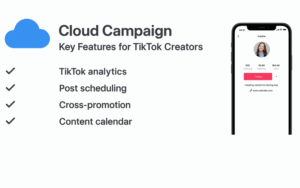
As someone already exploring tools like Predis.ai, Repurpose.io, Metricool, Beacons.ai and CloudCampaign – SocialPilot can act as the central publishing and scheduling hub that ties them all together.
- Use Predis.ai to generate content ideas or trending hooks, then schedule via SocialPilot.
- Use Repurpose.io to reformat long-form content (YouTube, livestreams) into bite-sized clips, and push them across platforms with SocialPilot scheduling.
- Use Metricool or CloudCampaign for analytics comparisons – but have SocialPilot manage the actual posting for you.
- Use Beacons.ai for link-in-bio/landing-page needs, while SocialPilot builds your posting calendar.
In that sense, SocialPilot doesn’t replace those specialized tools – it complements them, helping you streamline workflow and manage multi-platform presence without juggling dozens of tabs or dashboards.
Summary: Is SocialPilot Worth It for TikTok Creators & Agencies? – SocialPilot Review
If you are a social media creator, influencer, or content agency managing multiple channels – yes, SocialPilot is absolutely worth considering. It offers strong value: scheduling, cross-platform support (including TikTok), team collaboration, bulk posting, content library, and analytics – all wrapped into one dashboard.
It shines especially if you batch content, work with multiple people, and want to maintain a consistent posting schedule without the mental load of manual posting. That said, if your strategy is heavily video-first and you rely on platform-specific features, you may still want to pair SocialPilot with specialized tools.
Quick Verdict ✅ – SocialPilot Review
SocialPilot is a powerful “all-in-one” social media manager that fits well as the central hub for multi-platform creators, agencies, and content teams – especially if you value scheduling, collaboration, and consistency.
👉 If you’re serious about scaling across TikTok, Instagram, YouTube and beyond – give SocialPilot a try with their 14-day free trial and see if it streamlines your workflow.
Try SocialPilot: 14-day FREE trial
SocialPilot vs Predis.ai vs Repurpose.io vs Metricool (Comparison Table)
| Feature / Tool | SocialPilot | Predis.ai | Repurpose.io | Metricool |
|---|---|---|---|---|
| Best For | Multi-platform scheduling & team workflows | AI content creation & TikTok ideas | Automatic content repurposing | Analytics, scheduling & growth tracking |
| TikTok Support | ✅ Yes (Scheduling & publishing) | ✅ Yes (Content ideas & creatives) | ✅ Yes (Repurposing & distribution) | ✅ Yes (Scheduling & analytics) |
| Primary Use Case | Managing & scheduling posts across platforms | Generating posts, captions, reels & ads | Turning long-form content into short clips | Tracking performance & optimizing content |
| Content Scheduling | ✅ Advanced (calendar + bulk upload) | ✅ Basic | ⚠️ Via automation workflows | ✅ Scheduling available |
| Bulk Scheduling | ✅ Yes | ❌ No | ✅ Automated repurposing | ✅ Limited |
| Content Repurposing | ⚠️ Manual reuse | ⚠️ Limited | ✅ Core feature | ⚠️ Limited |
| AI Content Features | ⚠️ Basic | ✅ Strong AI focus | ❌ No | ⚠️ Limited |
| Analytics & Reporting | ✅ Standard reports | ⚠️ Basic performance insights | ❌ Not included | ✅ Advanced analytics |
| Team & Client Collaboration | ✅ Strong (approvals, white-label) | ❌ Minimal | ⚠️ Limited | ✅ Teams supported |
| Best For Agencies | ✅ Yes | ❌ No | ⚠️ Depends | ✅ Yes |
| Free Trial / Plan | ✅ Free trial | ✅ Free plan | ✅ Free trial | ✅ Free plan |
| Starting Price | 💲 Low–medium | 💲 Low | 💲 Medium | 💲 Low–medium |
How to Use These Tools Together (Recommended Stack)

If you’re serious about growing as a TikTok creator, influencer, or agency, these tools work best together instead of replacing each other:
- ✅ Use Predis.ai to generate TikTok content ideas, captions, hooks, and creatives
- ✅ Use Repurpose.io to turn long-form videos, podcasts, or livestreams into short-form TikTok clips
- ✅ Use Metricool to track TikTok analytics, audience growth, and posting performance
- ✅ Use SocialPilot as your main content hub to schedule, manage, and publish content across all platforms
👉 Think of SocialPilot as the “control center” that brings everything together.
Try SocialPilot NOW: 14-day FREE Trial